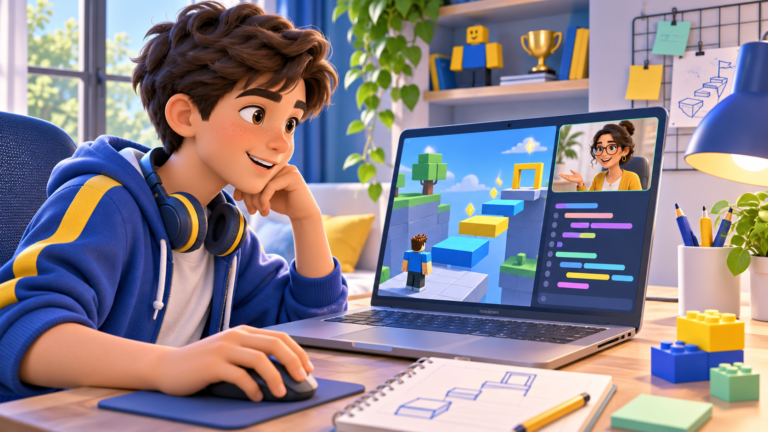
A child who enjoys Roblox may already have ideas for a game: a race with moving platforms, a maze with hidden coins or a room that opens when a puzzle is solved. Roblox Studio is the tool used to turn those ideas into a playable project.
This beginner’s roadmap explains how to approach a first Roblox game, what the learner needs and how parents can recognise progress. Start with a small project that the child can explain and improve.
What do you need to create a Roblox game?
Roblox Studio is a free application available for Windows and Mac. The learner needs a Roblox account and Studio installed on the computer. Roblox provides an official introduction to Studio covering account creation, installation and the workspace.
A mouse can make navigating a 3D scene more comfortable. If you are comparing self-paced activities with teaching, explore our guide to free coding resources and live lessons. Before the first lesson, practise opening Studio, moving around the workspace and locating a saved project. Knowing how to play Roblox is useful motivation, but creating a game introduces a different set of skills.
1. Choose one clear goal for your first game
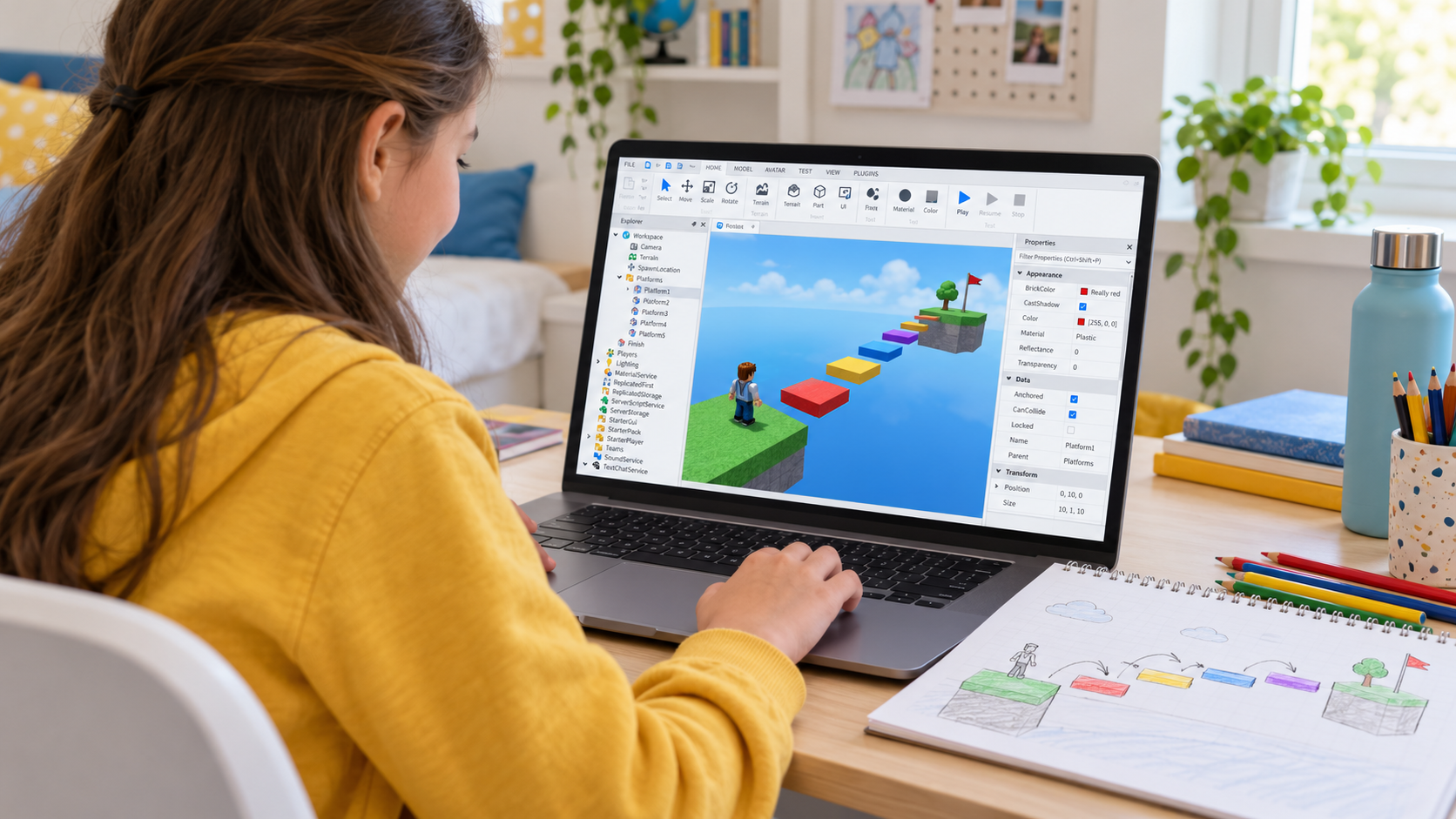
Write a one-sentence description: “The player crosses five platforms to reach the finish.” This gives the project a clear boundary. A first game does not need a shop, several worlds or a complicated inventory.
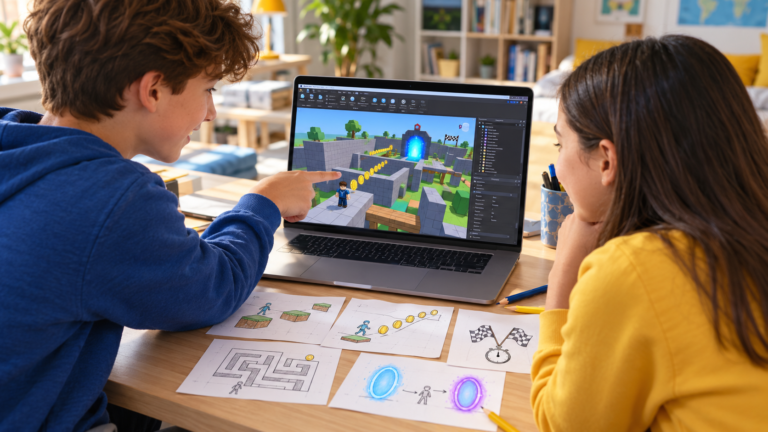
Ask three questions: What does the player do? What makes it challenging? How will they know they have finished? Sketching the answer on paper can prevent the project from growing before its basic rules work. For other starting points, explore our five beginner Roblox game ideas.
2. Build a small obstacle course
An obstacle course, often called an obby, is a practical starting project. Build a starting area, a short sequence of platforms and a recognisable finish. Adjust the distance between platforms and test whether the jumps are possible. For a step-by-step build, follow our beginner obby tutorial.
Roblox’s beginner building tutorial also uses an obby to introduce working with parts. You can use a template to explore, then ask the learner to explain which elements they changed and why.
3. Test the game before adding more features
Play the course from beginning to end. Check whether a new player can see where to go, whether the first jump is manageable and whether the finish is clear. Change one thing, test again and compare the result.
This is game design as well as coding. A child who notices that a jump is unfair and adjusts the layout is learning to think about another player’s experience.
4. Add one scripted interaction
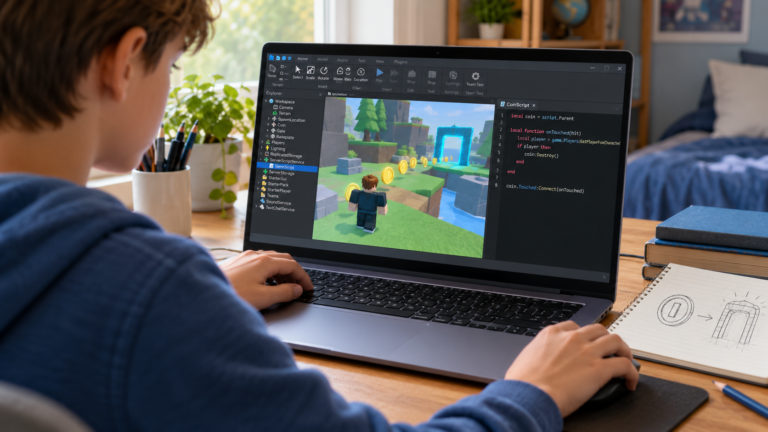
After the basic course works, add a small behaviour such as a platform changing colour or a collectible affecting a score. Keep the first interaction simple enough to explain in ordinary language before writing the code.
Roblox uses Luau for scripting. Our guide to the coding language Roblox uses explains the Lua connection and includes a small example. Its coding fundamentals series introduces variables, events, functions, conditions and loops. These concepts become more meaningful when connected to something visible in the game.
For example, a learner can describe a coin rule as: “When the player collects this coin, add one point and remove the coin.” Testing should check that a single coin does not award points repeatedly. Understanding that rule matters more than copying a long script.
5. Improve one feature at a time
Once the first interaction works, choose one extension: a checkpoint, a timer, an extra obstacle or a clearer score display. Keep a working version before experimenting.
Ask the learner to predict what a change will do. If the result differs, compare the prediction with what actually happened. Gradually, the project becomes a place to practise debugging rather than a collection of unexplained scripts.
Does a beginner need to know how to code first?
A learner can begin by exploring Studio and building a small environment. Scripting can follow through short guided activities. Someone already comfortable with sequences and conditions may progress differently from a complete beginner.
For younger learners who find typed code frustrating, our comparison of Scratch, Roblox Studio and Python can help parents choose an appropriate starting point. There is no need for every child to follow exactly the same path.
How can parents recognise real progress?
Ask the child to show a feature they built, explain a rule and change something without replacing the entire project. Useful signs include finding a mistake, testing a different solution and explaining why a particular change improved the game.
A small game the learner understands is a meaningful result. A large game assembled from scripts they cannot explain gives parents less information about what has been learned.
Learn to create games with CodEnfant
Our one-to-one online Roblox coding lessons for kids combine building, Luau scripting and testing through progressive game projects. The starting point is adapted to the learner’s previous experience.
Want individual help with the next step? Explore the eight-module Roblox learning path, from first Luau scripts to a personal game.
Request a free Roblox lesson →
Share your child’s age, experience and time zone so we can confirm a suitable lesson time. Already confident building, but stuck on code? Read our guide to the next scripting steps.
Which learning path fits your child?
Age, experience and interests help us choose a suitable starting point.
Compare programs →