One-to-one guidance in Scratch, Roblox Studio, Python, robotics and generative AI — adapted to your child’s age, interests and current level.
✓ Live and personalised ✓ Project-based learning ✓ Practice between sessions
Clear explanations, immediate feedback and encouragement at every step.
Games, animations, programs and smart creations they can proudly demonstrate.
The starting point depends on ability and interests — not only on age.
We begin with what motivates your child, then build solid skills through practical projects.
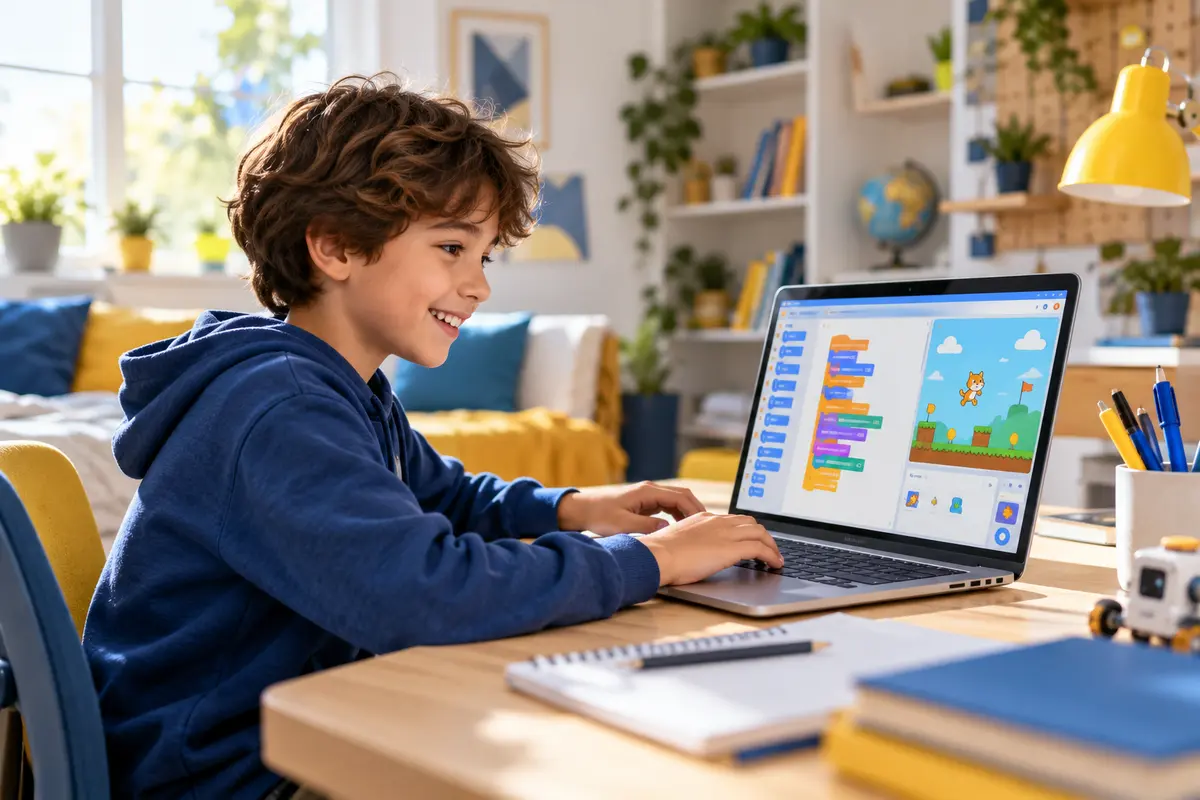
Create animations, interactive stories and first games while learning coding logic.
Best for beginners and creative young learners.
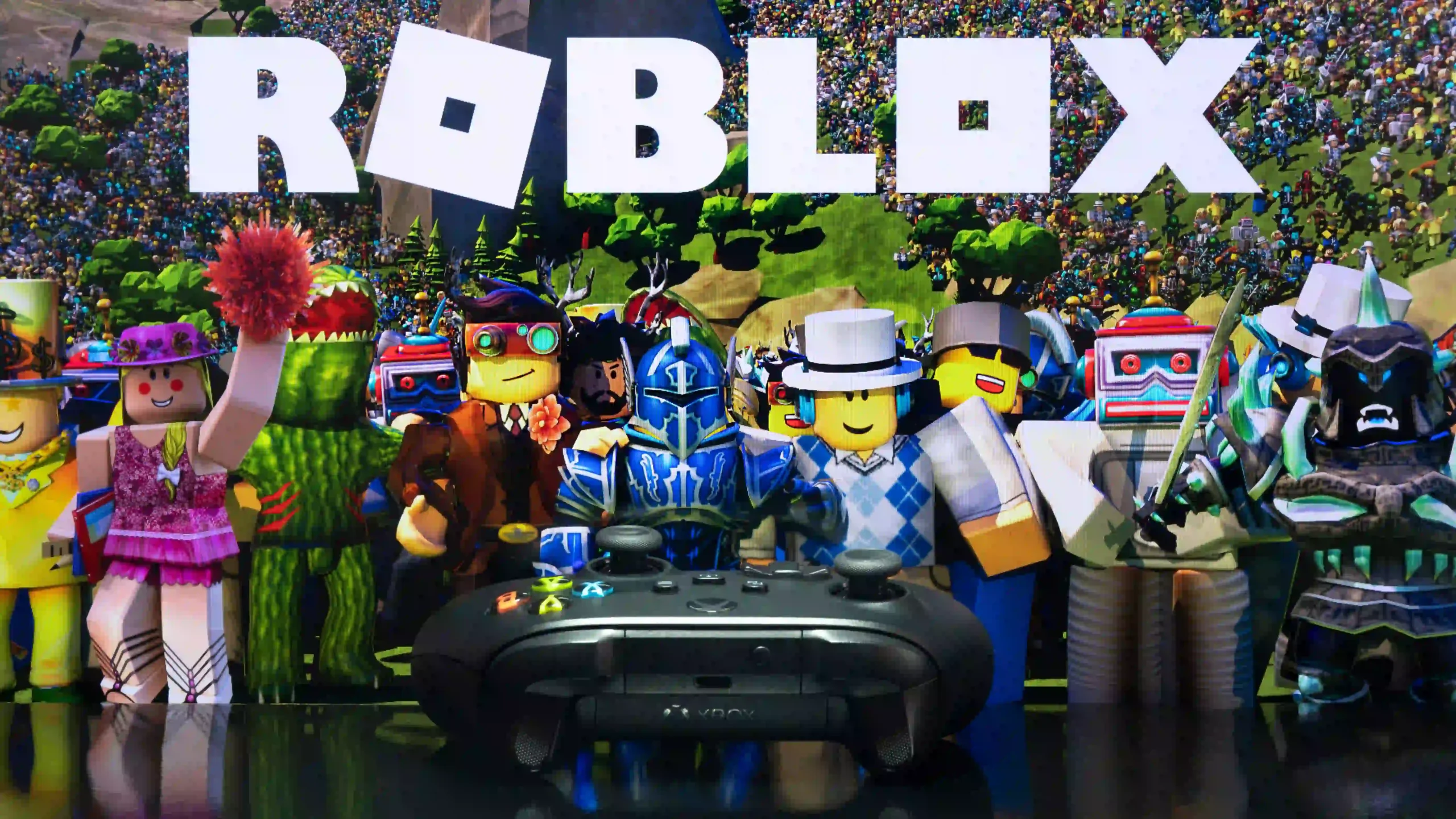
Design 3D worlds and code game mechanics with Lua through guided challenges.
For children who want to move from playing to creating.
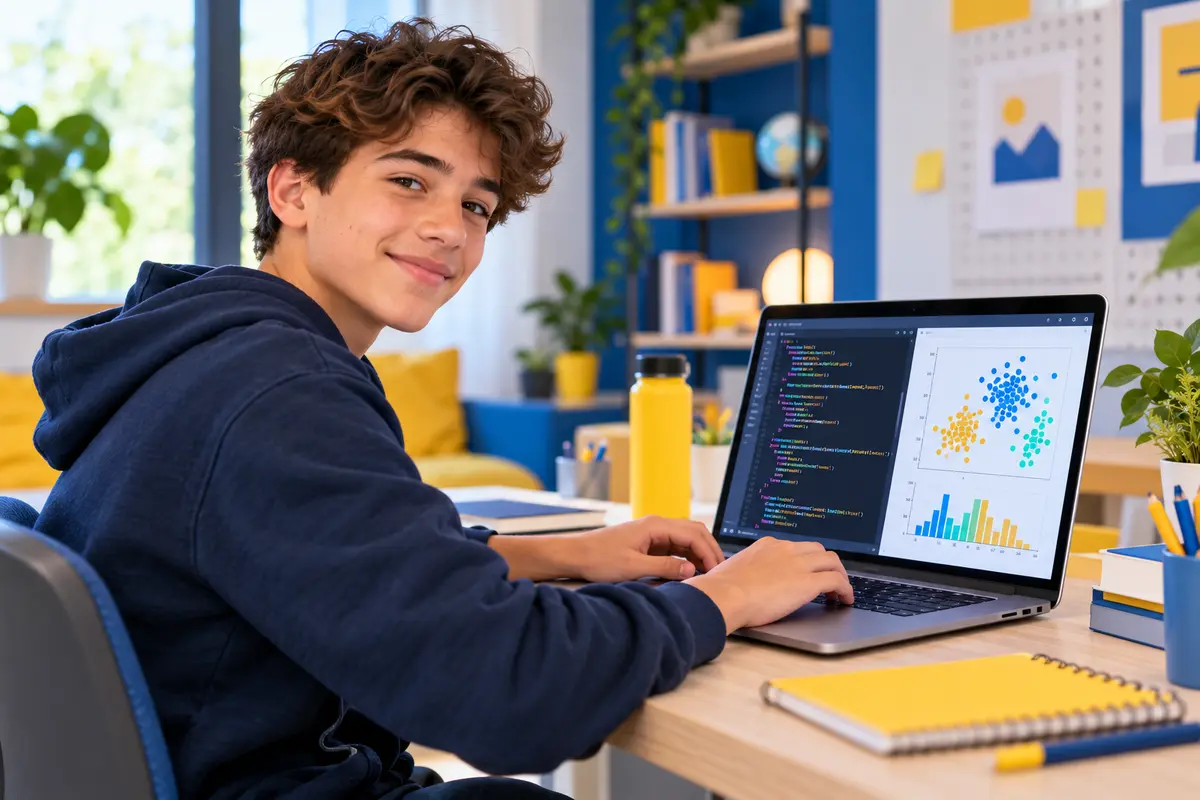
Write real programs, automate tasks and progress towards data and artificial intelligence.
A structured transition from visual blocks to text-based code.
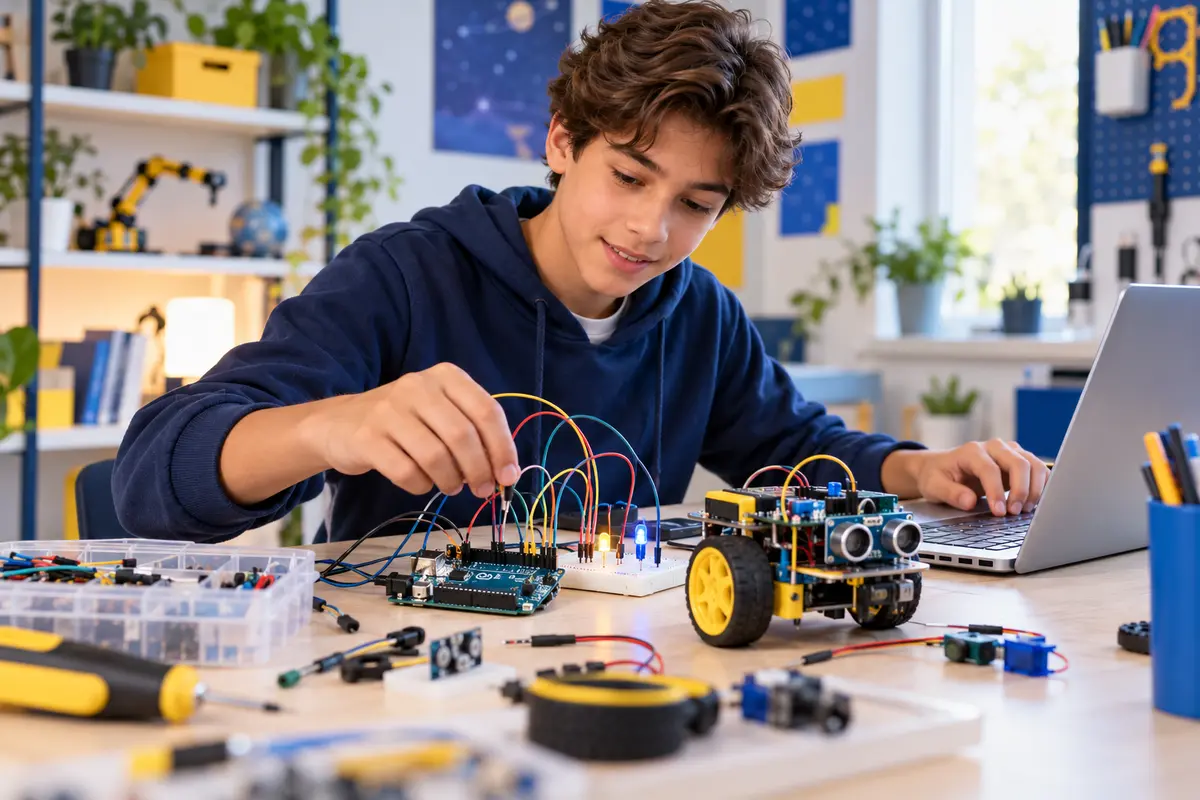
Build circuits with LEDs, sensors and motors, then program physical projects and robots.
A robotics kit is required; we help families choose it.
Learn prompting, evaluate AI answers, protect personal information and use AI responsibly for school and everyday projects.
No Python prerequisite — the focus is practical and responsible AI use.
Each lesson combines explanation, practice and a concrete result your child can understand and improve.
Age, experience, interests and goals help us choose the right starting point.
The student learns by creating and explaining — not by copying code.
Short activities between lessons reinforce understanding and independence.
Visual coding, stories, animations and simple games build confidence and computational thinking.
Roblox Studio, robotics and structured projects introduce deeper logic and real code.
Python, data foundations and generative AI connect coding to school, projects and future pathways.
CodEnfant lessons are led live by Ayoub, a coding and robotics instructor with a background in electronics and artificial intelligence.
The objective is not to rush through a syllabus. It is to help each learner understand, practise, ask questions and gradually become more independent.
✓ Individual attention
✓ Age-appropriate explanations
✓ Real projects
✓ Exercises between sessions
✓ Honest guidance on the next step
Yes. Lessons take place online with a real instructor who explains, observes the student’s work and answers questions in real time.
Not for Scratch. For other programs, we discuss the learner’s current level and recommend the most suitable starting point.
A computer and stable internet connection are enough for most programs. Robotics also requires an Arduino kit.
No Python prerequisite is required. The course focuses on prompting, checking AI responses, privacy and responsible everyday use.
Yes. Weekly learning and school-holiday formats can be discussed according to your child’s availability and time zone.
Tell us your child’s age, interests and experience. We will recommend a starting point without forcing an unsuitable course.
Share their age, interests, current experience and preferred schedule. We will suggest a suitable starting point.
Contactez nous