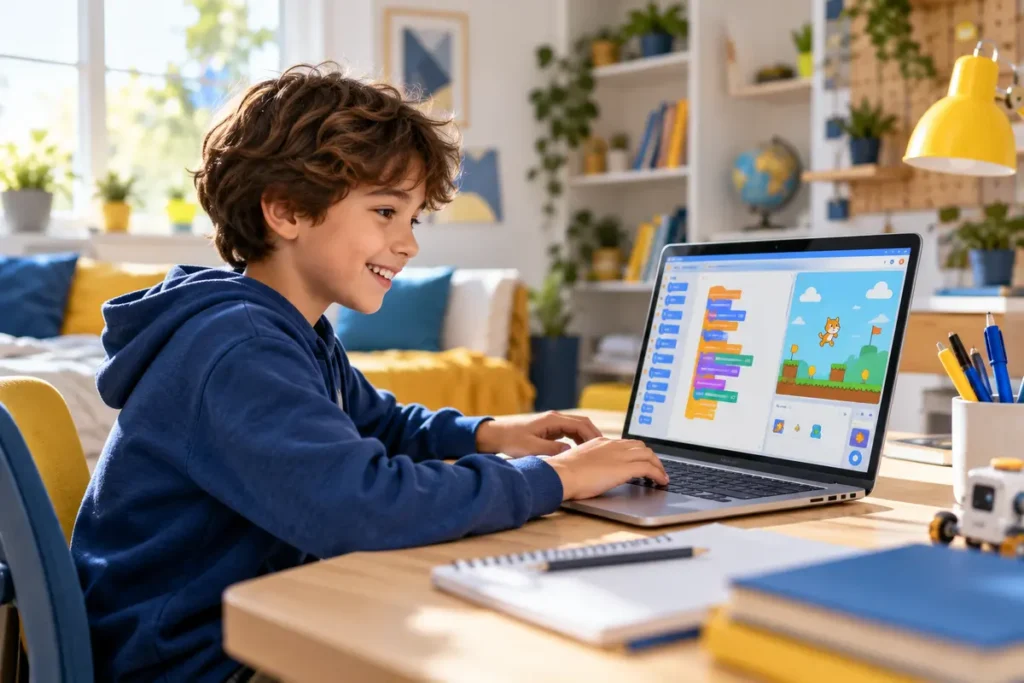
A creative first step into coding. Children build stories, animations and games while learning how logic works—live, step by step, with a teacher.
Scratch turns code into visual blocks so children can focus on ideas, reasoning and problem-solving from the first lesson.
Organise instructions in the right order and understand how a program follows a plan.
Make games react, repeat actions and change behaviour using clear coding logic.
Test, debug and improve a project instead of copying a finished solution.
Each project has a visible result, a clear goal and room for personal creativity.
Create characters, dialogue, choices and animated scenes.
Use movement, scoring, obstacles and win conditions.
Build questions, feedback and a simple points system.
Most suitable for children aged 8–12; the pace is adapted to the learner.
No previous coding experience is required. Curious beginners are welcome.
A computer, a stable internet connection and access to Scratch in a browser.
Children do more than drag blocks. They learn to predict what should happen, test their idea, find mistakes and explain their choices.
Discover one concept through a simple, concrete example.
Use it in a guided project, then personalise the result.
Describe the logic and complete a small exercise between sessions.
No. Scratch is designed as an accessible starting point, and the teacher adapts the first projects to the child’s level.
A free Scratch account is useful for saving projects online. We can guide you through setup before the first project.
Yes. Events, variables, loops, conditions and debugging transfer naturally to languages such as Python.
Yes. Lessons are live and interactive, with direct guidance and time for the learner to ask questions.
Tell us their age, experience and interests. We will suggest a suitable starting point.
Contactez nous