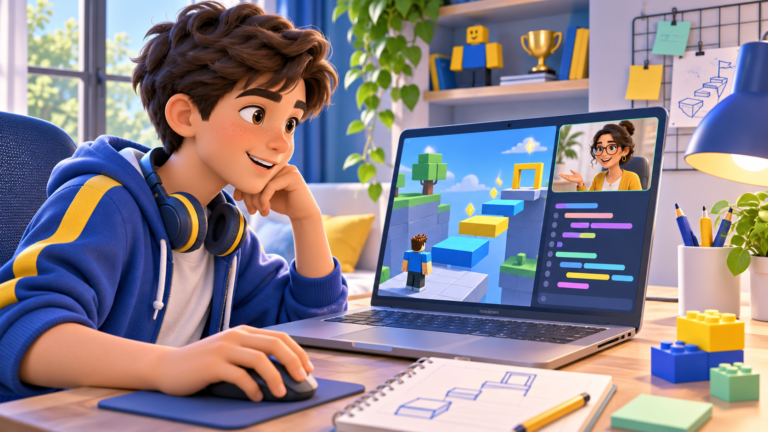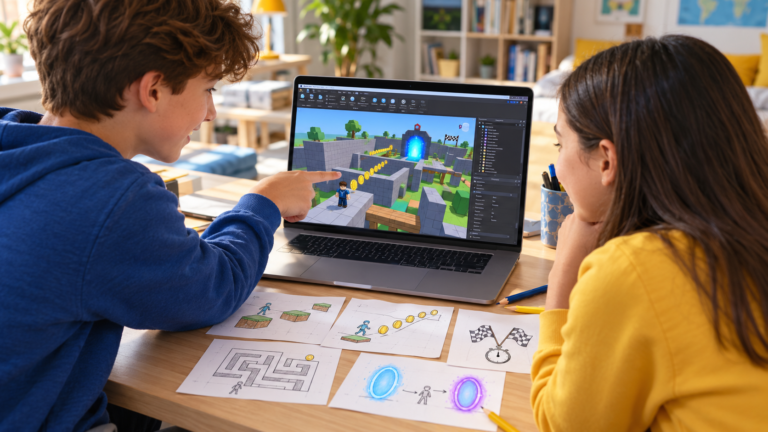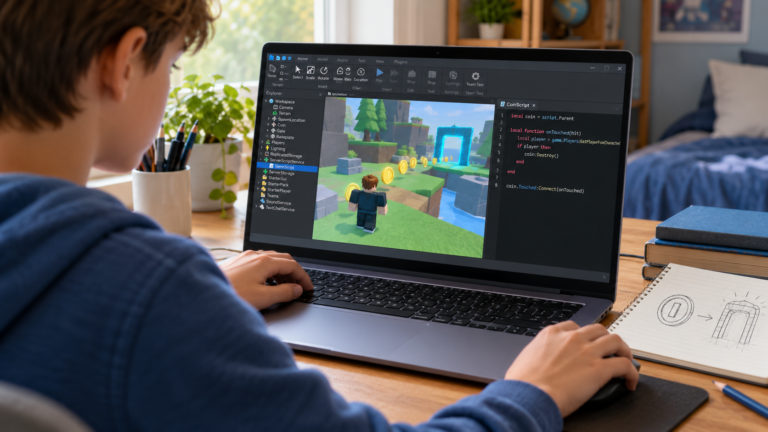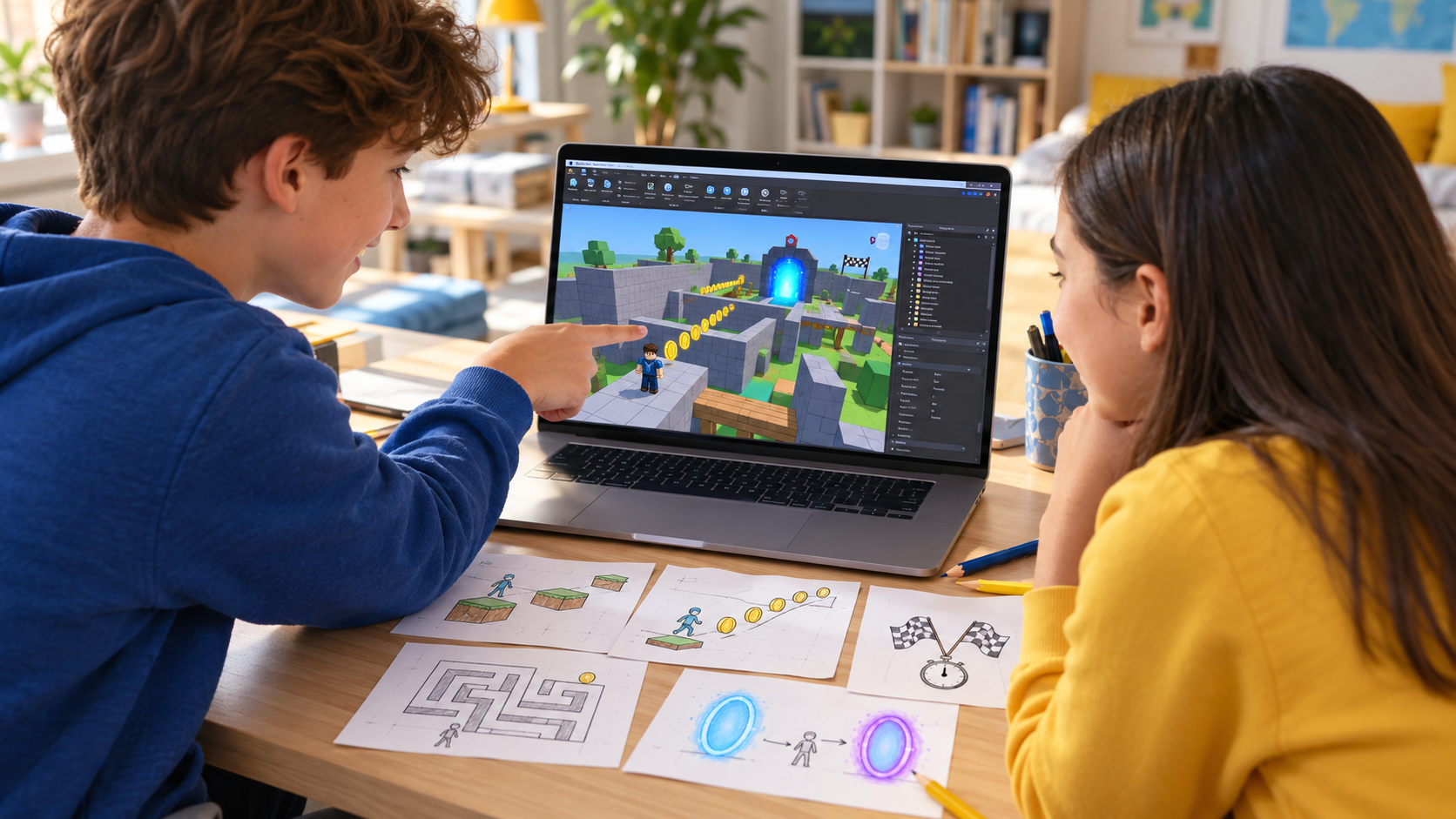
The best beginner Roblox game project has a clear goal and a small first version. A short obstacle course that works is a useful achievement: the learner can explain its rules, test it and decide what to improve.
These five Roblox game ideas move from building a simple environment towards adding interactive rules with Luau. They are project briefs rather than complete code tutorials. Choose one, finish its smallest playable version and add features gradually.
If Roblox Studio is new to your child, read our roadmap to making a first Roblox game before choosing a project.
1. A five-platform obby
Build this: a starting area, five platforms and a clear finish. Keep the first jumps easy and make the destination visible. A ground-level practice course is enough for the first version.
Practise: positioning and resizing objects, checking Anchored and collision settings, navigating a 3D scene and adjusting difficulty through playtesting. This project can begin without custom scripts.
First milestone: another player can follow the route from start to finish. Next challenge: add one checkpoint or one scripted platform behaviour, rather than changing every obstacle at once.
Test it: try every jump with the player character, including the return route after a fall. If a jump is unreliable, change one platform or gap and try again. Follow our beginner obby building tutorial for a more detailed starting sequence.
2. A coin-collection challenge
Build this: a small arena containing five collectible coins. The player explores the space and collects them to increase a score. Begin with one coin before adding the other four.
Practise: variables, events and conditions. The learner first describes the rule in words: identify a player, check whether the coin is available, award a point and prevent that same coin from being collected repeatedly.
First milestone: one coin adds exactly one point. Next challenge: show a completion message after all five coins have been collected.
Test it: walk through the coin from different directions and stand where it was collected. Check that the score does not keep increasing from repeated contact. Roblox’s guide to debounce patterns explains how to prevent repeated triggers.
For a first guided prototype, keep scoring within the current play session. Saving scores between sessions and handling several players are separate extensions that need additional design and testing.
3. A maze with a clear escape
Build this: a small maze with one entrance, two dead ends and one exit. Draw the route on paper first. Keep the walls and paths simple enough that you can inspect the whole layout.
Practise: planning a 3D environment, arranging collision boundaries and communicating a goal to the player. Once the maze works, a finish trigger can introduce an event and a condition.
First milestone: a new player can enter the maze and reach the exit without getting stuck between objects. Next challenge: add a key that must be collected before the exit opens.
Test it: check corners, narrow passages and the edges of the level. Ask a tester where they felt confused. Decide whether that confusion is an enjoyable puzzle or a layout problem, then revise the design.
4. A race against the clock
Build this: a short running course with a starting line and a finish. First make the route playable. Then add a timer that begins when the player starts the race and stops at the finish.
Practise: game state, conditions and a simple interface. The important states are waiting, racing and finished. Thinking through those states helps prevent several timers from running at the same time.
First milestone: the timer starts once, stops once and displays a result. Next challenge: add a restart control or a best time for the current session.
Test it: cross the start repeatedly, reach the finish before beginning, and attempt a second race. The game should handle each case predictably. Check that restarting resets the timer and the character’s starting position.
5. A two-room portal puzzle
Build this: two small rooms connected by a portal. In this beginner project, the portal moves the character to another position inside the same game world. It does not send the player to a different Roblox game.
Practise: events, references to objects, character positioning and cooldown logic. A visible destination marker makes the intended result easier to test.
First milestone: entering the portal moves the character to a safe landing area. Next challenge: require the player to press a button before the portal becomes active.
Test it: stay on the arrival point and check that the character does not bounce endlessly between portals. Try approaching again after leaving the landing area. Keep the destination clear of walls and other obstacles.
Which project should a beginner choose first?
Start with the obby or maze when the learner is still becoming comfortable with Studio’s building tools. Move towards coin collection when they have begun working with variables and simple events. Timed races and portal puzzles are useful follow-up challenges once they can explain conditions and basic scripts.
Roblox scripts use Luau. Read our explanation of Lua and Luau for a small code example and a learning sequence for beginners. Its official coding fundamentals lessons provide a structured introduction to the concepts used in interactive projects. A learner does not need every concept before starting, but should understand each new rule before adding the next one.
A simple way to check learning
Ask the learner to demonstrate one feature, explain its rule and change one part of it. For a coin game, change the points awarded. For a race, change the restart behaviour. For a maze, add a route without blocking the exit.
Save a working version before trying an extension. Focus on one bug at a time and test the smallest part that reproduces it. These habits make progress easier to see and help the learner become more independent.
Choose a next project around their interests
When a coin counter and repeated-contact checks are understood, connect those ideas in a small adventure quest inspired by Blox Fruits. The next challenge is tracking a goal and recognising when it is complete.
Learners who enjoy worldbuilding can explore an original roleplay town project inspired by Brookhaven, with a house interaction and clear ownership rules.
Once a simple race timer is comfortable to explain, try a cooperative survival project inspired by 99 Nights in the Forest, combining a day-and-night cycle with shared camp energy. Choose one extension that fits the learner’s current understanding.
Create Roblox games with guided lessons
CodEnfant’s individual online Roblox Studio classes for kids combine building, Luau programming and playtesting through progressive projects. We adapt the starting point to the learner’s experience.
Choose one project your child would enjoy, then explore the eight-module Roblox learning path to see how individual lessons can help them build and understand it.
Request a free Roblox lesson →
Share your child’s age, experience and time zone so we can confirm a suitable lesson time. Already confident building, but stuck on code? Read our guide to the next scripting steps.
Which learning path fits your child?
Age, experience and interests help us choose a suitable starting point.
Compare programs →