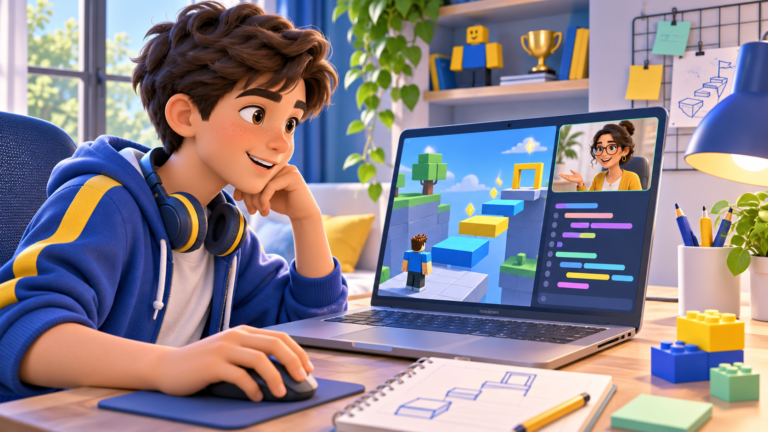
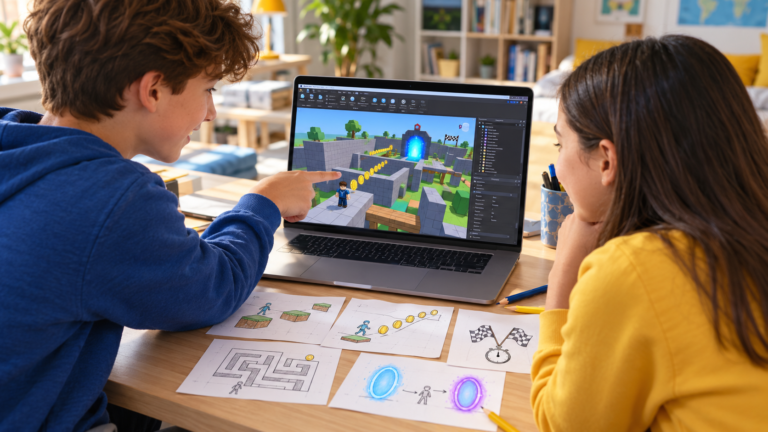
If your child enjoys Roblox and wants to create a game, the next decision is how they will learn. Online Roblox coding classes can offer individual teaching or a shared group experience. The useful comparison is what your child will build, understand and practise during each session.
Choose a format around your child’s experience, confidence and goals. Private lessons can focus on a particular question or project. A group can suit a learner who enjoys a shared pace and exchanging ideas. This guide helps parents compare the teaching rather than judge a course by the appearance of its finished games.
Look for Roblox Studio, game creation and understandable code
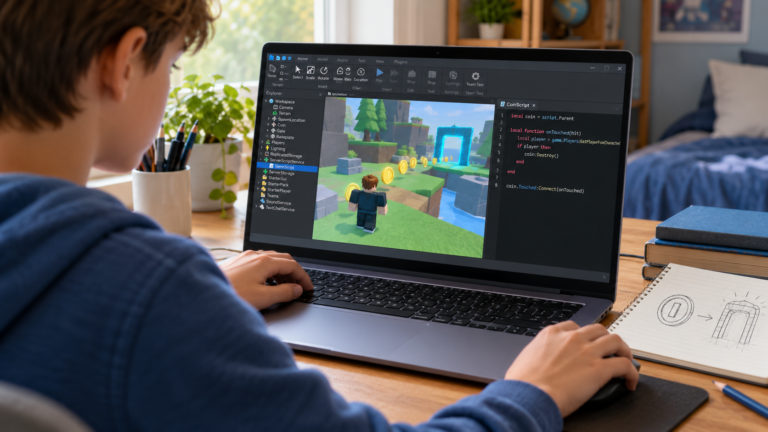
Roblox Studio is the creation tool. A learner can build an obstacle course, arrange platforms and add interactions using Luau, the language used in Roblox. A course should explain how it combines building with scripting.
Placing a door in a scene is a building task. Making that door open only when a player has a key requires a programmed rule. Both activities matter, but a child should gradually learn to explain how their code controls the game.
Our beginner’s roadmap to making a Roblox game shows how a small idea can become a project that a child can test and improve.
When private Roblox coding lessons can be a good fit
In a one-to-one lesson, the teacher works with one learner. They can spend time on a confusing condition, look at an existing project or adapt the next challenge to the child’s interests. This can be useful when a child already builds detailed worlds but struggles to write scripts.
Ask how much of the work the learner does. A productive session gives the child opportunities to use Studio, type or change instructions, predict a result and investigate a mistake. The teacher’s explanation should help them make decisions on their own.
If building is already familiar, read what comes next when a child can build in Roblox Studio but cannot script. It gives parents practical ways to discuss the next learning step.
When group Roblox classes can be a good fit
A group can offer shared ideas, discussion and motivation. Ask how many learners attend and how the teacher supports someone who needs to revisit a concept. It also helps to know what happens when a child finishes an activity before the others.
A useful question for either format is: how much of the session will my child spend building, coding, testing and receiving feedback on their own work? Class size is one factor; the organisation of the session matters too.
How parents can recognise progress
A polished game does not tell you which parts the learner understands. Ask your child to show one rule, explain what they expect to happen when a value changes, and test their prediction. A small project that they can explain gives you something concrete to discuss.
For example, our Roblox Studio checkpoint tutorial connects an event, a condition and an observable result. The learner can show where their character respawns and check that one player’s checkpoint does not change another player’s progress.
Questions to ask before booking
What is the starting point? Explain whether your child only plays Roblox, already uses Studio or has begun scripting. Children of the same age may need different levels of support.
What will my child do themselves? Ask about screen sharing, hands-on work, explanations and guided debugging. The child should have opportunities to try ideas and discuss mistakes.
What is a realistic first project? A small interactive obstacle, teleporter, score counter or checkpoint gives the learner a clear goal. Extra features can follow when the first version is understood.
How is the pace adjusted? Ask how a difficult concept is revisited and whether there are suitable practice challenges between lessons. Find out how parents receive feedback.
What are the practical terms? Confirm session length, frequency, fees, payment currency, missed-session arrangements and the agreed schedule before enrolling.
Booking from the US, UK or Canada
For an online lesson, share your country, time zone and preferred days and times. Canada and the United States cover several time zones, so a country name alone is not enough to confirm a slot. It is helpful to include the city or the exact time zone when discussing availability.
Confirm the lesson time in your family’s local time, especially around daylight saving changes. Use the child’s age and experience when discussing the starting level, since school year and grade names differ between countries.
Prepare the computer and the family account
The learner needs a Windows or Mac computer that can run Roblox Studio, a mouse, a microphone and a stable internet connection. Install Studio and check account access before the first lesson. A phone or tablet does not replace the computer used to create the game.
Publishing a game is optional. A child can build and test a learning project in Studio without sharing it publicly. The family remains involved in decisions about the account and publication.
How CodEnfant’s individual online lessons work
Our private online Roblox coding lessons for kids are live, one-to-one sessions, usually for ages 10–18. On Google Meet, the learner shares their screen, builds, writes scripts and tests their project with guidance. The starting point reflects what they already know.
The learning path connects 3D creation, Luau scripting and progressive projects. A beginner can start with a small obstacle course; an experienced builder can work on an interaction, interface or clearer code. Progress follows understanding and practice.
Request a free Roblox lesson and share your child’s age, coding experience, project interests and time zone so we can discuss an appropriate starting point.
Which learning path fits your child?
Age, experience and interests help us choose a suitable starting point.
Compare programs →