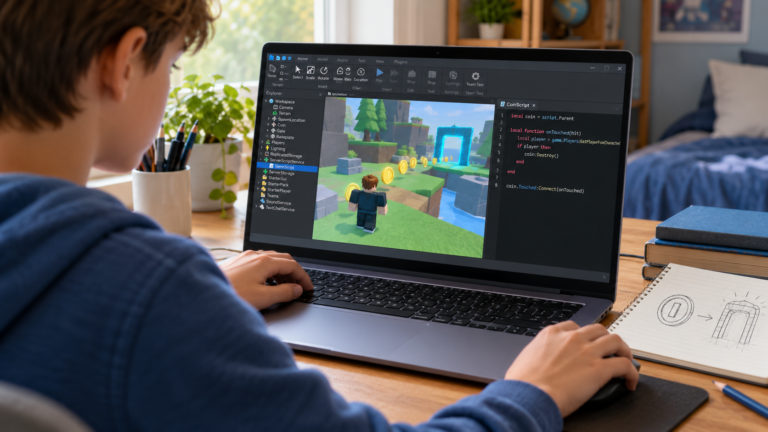
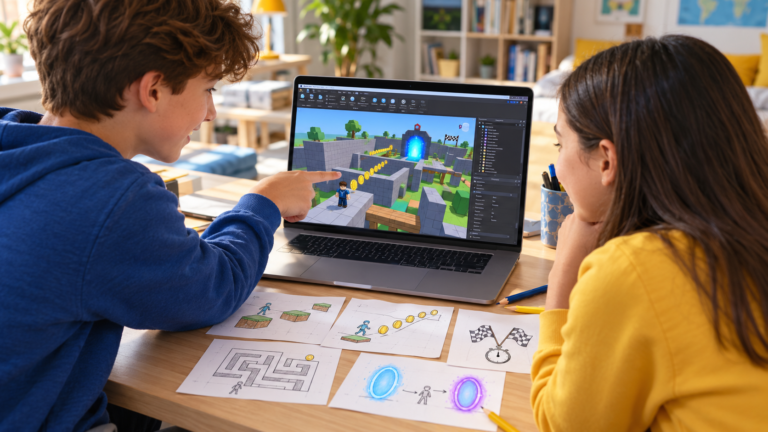
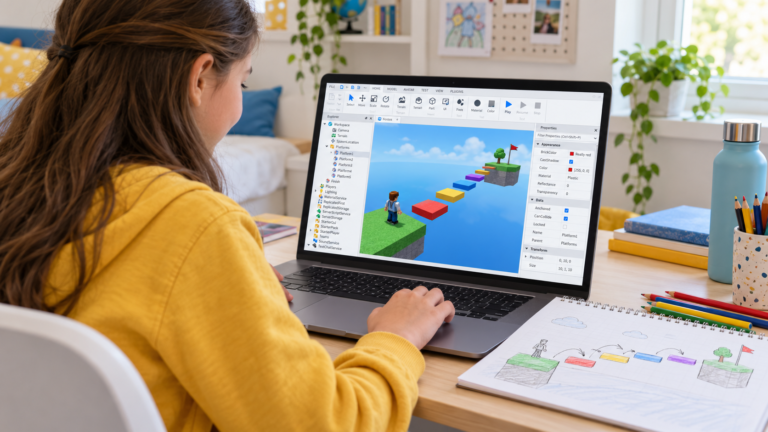
If your child talks about 99 Nights in the Forest, ask which part interests them: working together, exploring a setting or making decisions under pressure. An original Roblox Studio survival project can turn those interests into a small set of rules to build and test.
The Roblox experience by Grandma’s Favourite Games provides a reference point for discussing a camp-based survival setting. The learning project below uses its own world, objectives and visual style, with a short cooperative challenge.
How to make a small survival game in Roblox Studio
Start with a camp, a resource to collect, a day-and-night cycle and a shared energy counter. The team’s goal is to keep the camp powered for three nights. A successful or unsuccessful ending returns the project to a clear starting state.
This first version can use simple shapes and an easy-to-read scene. The useful challenge is making the game’s different systems agree about the current phase, time and energy.
1. Write down the game loop
Describe one round: the day starts, players gather resources, night begins, the camp uses energy and the next day follows if enough energy remains. After the third night, the round ends successfully.
Also decide what happens when the energy reaches zero. Give the learner one clear ending and one reset procedure. A small, complete loop creates a foundation for later features.
A game loop is a sequence that returns to an earlier stage. Drawing the stages on paper can help the learner explain when the world should change and which conditions control the next step.
2. Make day and night observable
Choose short test durations so the learner can check several transitions without waiting a long time. For example, a test version might use twenty seconds of daytime and fifteen seconds of night. These are adjustable values for this original exercise.
Show the phase and remaining time in a simple display. The scene can also become darker at night, while important paths and the camp stay readable.
A label, a timer and the world’s appearance should describe the same phase. If one says Day while another behaves as Night, the learner has a specific inconsistency to investigate.
3. Add a shared energy rule
Choose a starting energy value and a maximum. During the day, collecting a resource might add a fixed amount. During the night, a timed update reduces the shared energy.
Define the limits. Energy should stay within the intended range, and a collected resource should give its reward once. Think about what happens when more than one body part touches an object or two players reach it together.
This is a useful opportunity to compare shared and individual information. The camp’s energy belongs to the team, while an individual player may have their own inventory in a later version. Decide what every player should see before adding another counter.
4. End and reset the round cleanly
A successful ending can appear after the third completed night. An unsuccessful ending can appear when the camp’s energy reaches zero. Both should stop the current round from continuing to update.
Write a reset checklist: the day number returns to its starting value, the energy is restored, resource objects return and displays show the new phase. The learner can use that checklist during every test.
The first version keeps progress within the current session. Saving progress between visits can become a separate lesson once the round’s rules are understood.
5. Test the important boundaries
Timer test: a phase changes once when its timer finishes, and the next phase starts with the correct time.
Maximum-energy test: collecting a resource near the limit does not increase energy above the chosen maximum.
Empty-camp test: reaching zero triggers the ending once and stops further round updates.
Repeated-contact test: one resource provides one reward even when several contacts occur.
Team test: two players see the same shared camp energy and phase.
Restart test: beginning another round resets the important values and objects.
Ask the learner to change one duration or energy value, predict the effect and repeat the relevant test. This makes balancing a game a practical investigation.
What does this project teach?
The learner connects variables, conditions, repeated updates and different game states. They also practise choosing which information is shared and explaining why a round finishes.
Parents can ask for a demonstration of one complete cycle and a deliberately difficult test. A learner who can explain an error and the rule that fixes it is showing useful progress, even while the scene remains visually simple.
Choose the next challenge
Once the basic loop is stable, possible additions include another resource, a weather change, a tool or a new team objective. Choose one feature and agree on the test that will show it works.
A separate checkpoint tutorial explains individual respawn points. Our beginner Roblox project ideas offer smaller alternatives when a full round loop is too much for the learner’s current level.
Build an original survival project with a teacher
CodEnfant’s private online Roblox coding lessons adapt the project to the learner’s experience. The teacher helps them build, test and explain a manageable next step in Studio.
Request a free Roblox lesson and share your child’s age, experience and interests. For families in the US, UK or Canada, include the local time zone when discussing availability.
Which learning path fits your child?
Age, experience and interests help us choose a suitable starting point.
Compare programs →