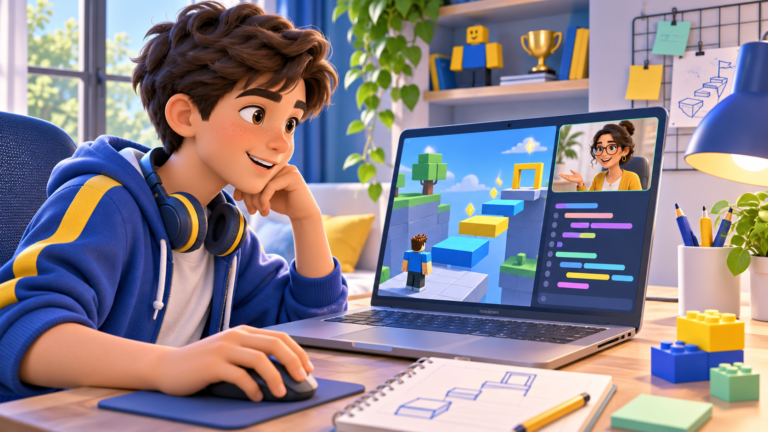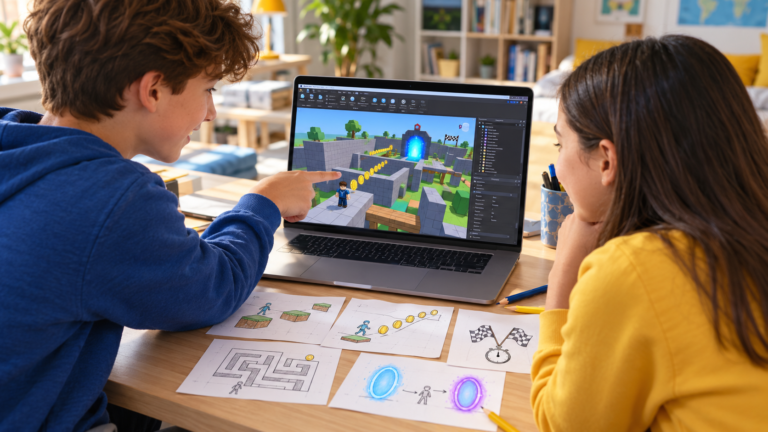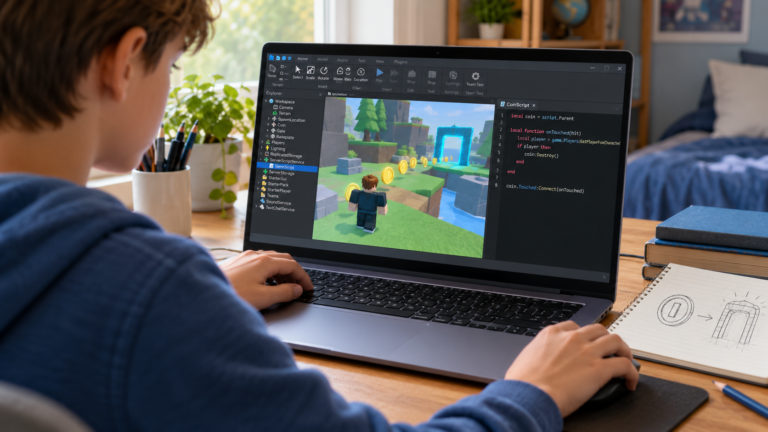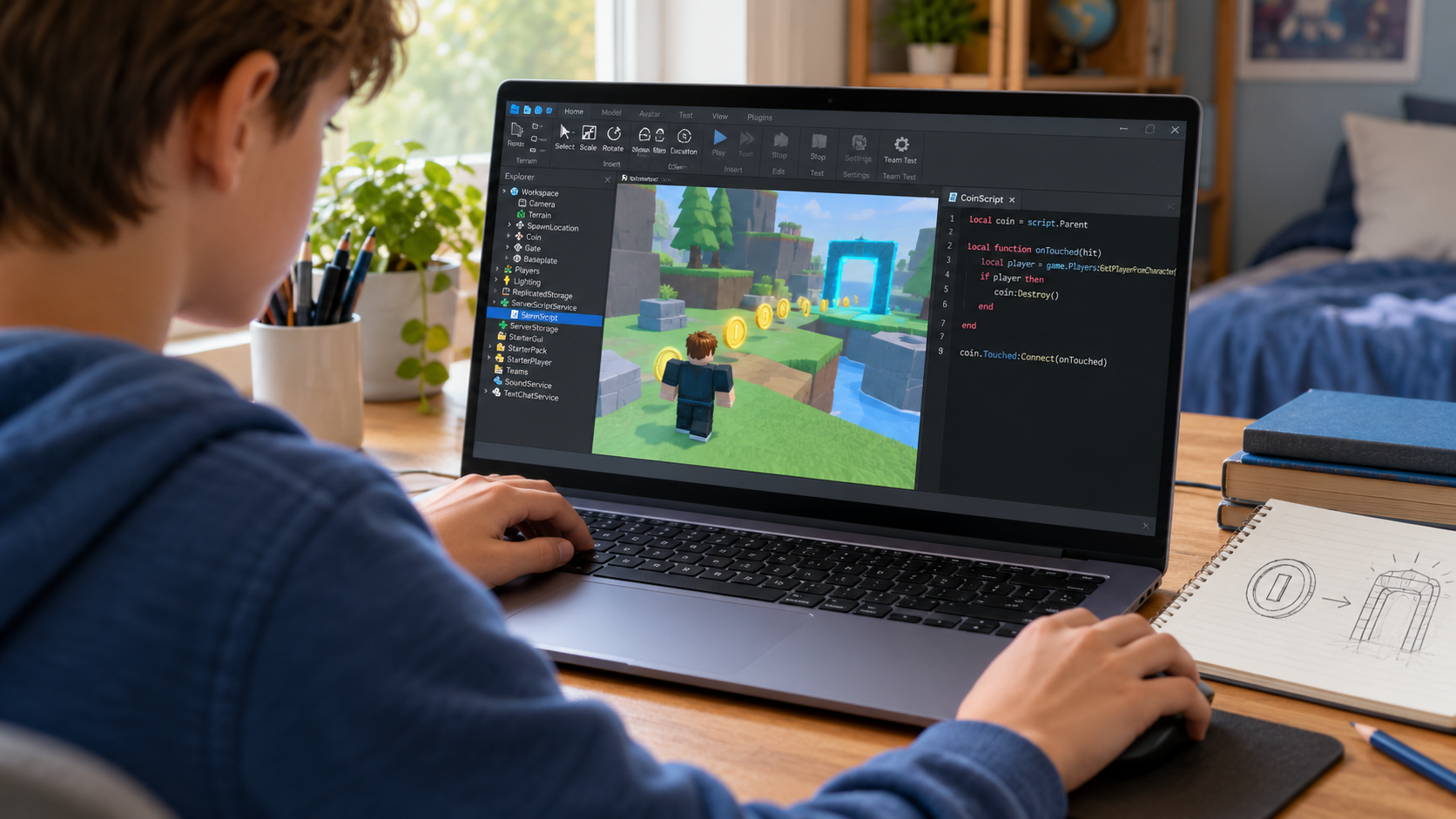
Roblox games use Luau, a programming language derived from Lua 5.1. If you have seen lessons advertised as “Roblox Lua”, that explains the familiar name. For a child creating games in Roblox Studio today, Luau is the language to look for.
The useful question for parents is what their child will learn to do with it. A learner can start with one understandable rule: count a collected coin, open a door when a goal is met, or remember which checkpoint a player reached.
Lua, Luau and Roblox Studio: what is the difference?
Lua is the language Luau grew from. Luau adds its own features, including optional type annotations that help describe the values a program expects. Roblox Studio is the application where creators build worlds, write scripts and test their games. Roblox’s Luau documentation explains the language used in Studio.
Lua and Luau share many programming ideas, but they are not interchangeable in every situation. A general Lua tutorial can help with basic syntax; a Roblox project also needs Roblox-specific objects, properties and events. The official compatibility guide explains differences and restrictions.
What does scripting add to a Roblox game?
Building creates the scene: platforms, walls, paths and landmarks. Scripting gives that scene rules. For example, a colourful door can become a challenge when it opens only after the player has collected enough items.
- Coin collection: detect a collection, update a counter and show feedback.
- Checkpoints: record progress and choose where a player returns after a fall.
- Interactive doors: check a condition before allowing access.
- Timed challenges: track time and decide when a race is finished.
These are separate features to develop and test gradually. A coin system, for example, needs a rule that prevents the same coin from awarding points repeatedly. A working game involves understanding these details, rather than simply pasting a long script.
A small Luau example your child can explain
Start with the rule: “The door can open when the player has at least five coins.” This example checks a number and prints a message. It does not create coins or move a door.
In Roblox Studio, add a Script inside ServerScriptService, replace its default contents with the code below, and open the Output window. Run a playtest to see the result. Roblox’s scripting guide introduces this workflow.
local coins = 3
local coinsNeeded = 5

if coins >= coinsNeeded then
    print("The door can open.")
else
    print("Collect more coins first.")
end
Here, coins stores the current number and coinsNeeded stores the target. The if statement chooses a message. With three coins, Output shows Collect more coins first.
Stop the playtest, change coins to 5 in the editor, then test again. Ask your child to predict the result before running it. Try 4 and 6 as well. Can they explain why five passes the test? The symbol >= means “greater than or equal to”.
A later lesson can connect this rule to an actual collection system and a door object. Keeping the first example small makes it easier to check that the learner understands the decision.
Does a child need Scratch or Python first?
There is no single route that suits every learner. At CodEnfant, we choose a starting point by looking at computer confidence, experience and interests. Playing Roblox can provide motivation, but using Roblox Studio and writing code are new skills to practise.
Scratch can be a useful introduction for a learner who needs more practice with sequencing, conditions and events before typing code. Another learner may be ready to meet those ideas directly in a small Studio project. Our Scratch, Roblox and Python comparison helps parents discuss the options.
A practical route from building to scripting
- Learn the workspace. Select objects, change properties and practise starting and stopping a playtest.
- Build a small course. Follow our beginner obby tutorial to make a route that can be tested.
- Add one rule. Practise a variable and a condition before connecting them to a game object.
- Add an interaction. Explore an event and a function, then check what happens when the interaction repeats.
- Choose the next project. Use our five beginner Roblox game projects to set one manageable goal.
This is a suggested learning sequence, not a fixed timetable. Roblox’s Coding fundamentals series also provides structured practice with variables, functions, events, conditions and loops. For the wider process, read our roadmap to creating a first Roblox game.
How can parents recognise progress?
Ask the learner to describe a rule, predict a result and make a small change. For the coin example, they might raise the target, explain the equality case or find a mistyped variable name. A clear explanation and a successful correction are useful signs of understanding.
Screenshots show the finished scene; a short demonstration can show the thinking behind it. Ask: “What did you change, how did you test it, and what would you improve next?”
Learn Roblox game creation with guidance
Our individual online Roblox coding classes for kids combine building, game design and progressive Luau scripting. Lessons take place live on Google Meet, with screen sharing and feedback as the learner creates and tests their project.
To discuss a starting point, tell us about your child’s Roblox experience. Mention whether they have only played games, already built in Studio, or started writing scripts.
Which learning path fits your child?
Age, experience and interests help us choose a suitable starting point.
Compare programs →