Choosing online Arduino lessons for a teenager involves more than comparing a list of exciting robots. The useful questions are practical: what equipment is needed at home, how will the teacher see the work, and what will your teen learn to do independently?
Arduino combines coding with physical components. A light, a measurement or a movement gives a visible result, while mistakes may come from either the program or the circuit. This guide helps parents assess the teaching approach before booking.
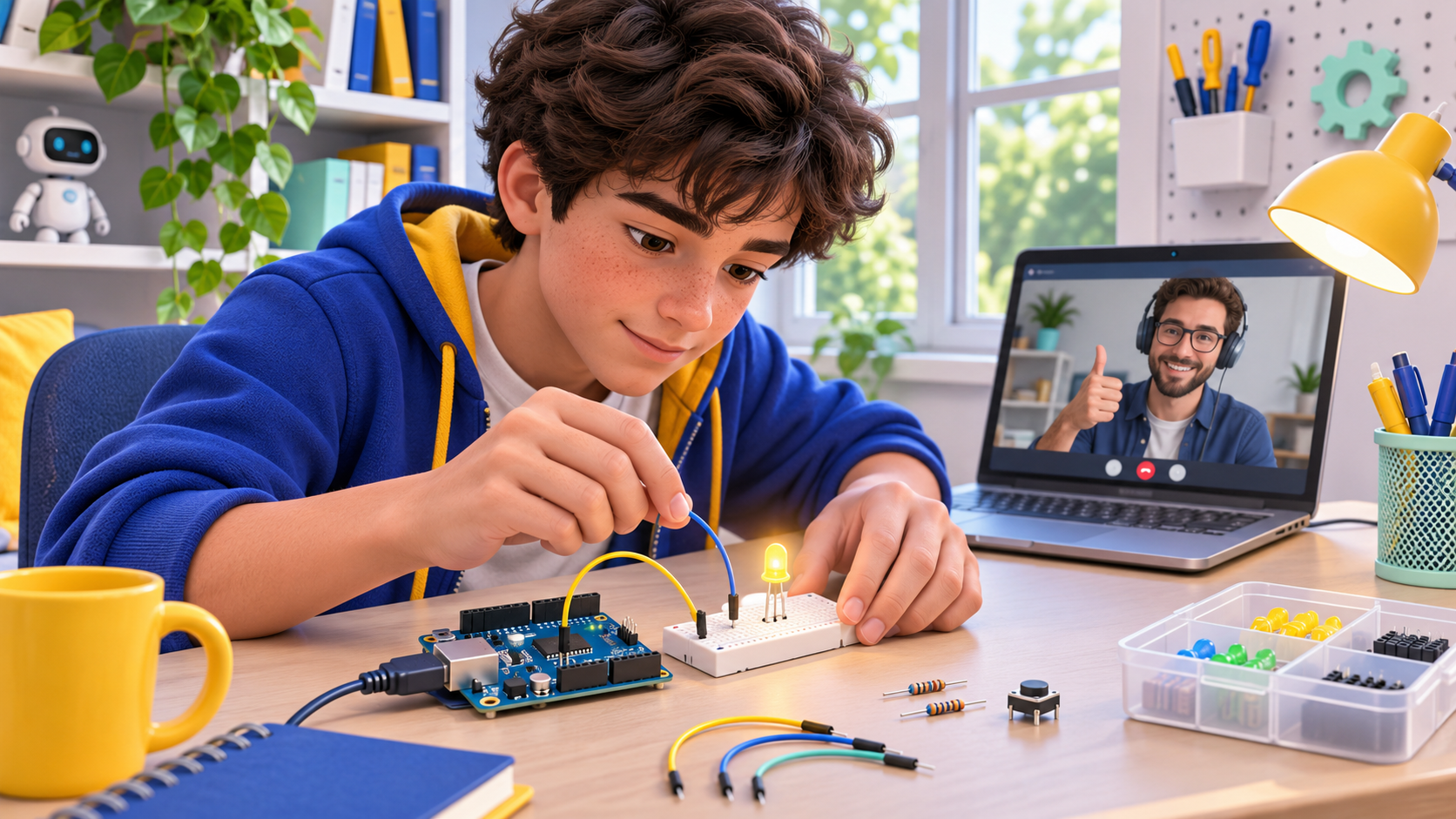
Conceptual illustration of guided electronics learning, not a wiring diagram to copy.
Check whether the course is live, recorded or individual
Recorded lessons can suit a learner who enjoys working through material independently. A live class adds opportunities to ask questions and discuss a result. An individual lesson can spend more time on the particular obstacle your teen has reached.
Ask who will guide the session, how much practical work the learner will do and what happens if an activity takes longer than expected. The format should be clear before you compare prices or course lengths.
For the current CodEnfant approach, see our one-to-one online Arduino lessons for teens. The Arduino pathway is aimed at learners aged 12–18 and combines practical electronics with progressive programming.
Ask for the equipment list before buying a kit
An Arduino UNO R3 is one possible starting board. The official UNO R3 documentation describes its connections and features. A course should use explanations and software that match the board your teen actually has.
A starter setup may include a compatible board, a data-capable USB cable, a breadboard, jumper wires, LEDs, resistors, buttons and a potentiometer. Sensors and a servomotor can be added when the planned activities need them.
- Confirm the exact board: similarly named models can have different connections or requirements.
- Check the cable: it must support transferring programs, not only supplying power.
- Separate essentials from later additions: a mobile robot chassis is not required for every first activity.
- Ask what is included: teaching fees and equipment costs may be separate.
A kit is required for CodEnfant’s hands-on Arduino activities and should be planned separately. Contact us before buying so we can discuss the components useful for the starting level.
Look for a progression, not just an impressive final robot
A beginner should be able to connect each new component to an idea they already understand. One possible progression is:
- Outputs: turn a light on and off and change its timing.
- Inputs: read a button or potentiometer and explain the values.
- Decisions: use a condition to choose when something should happen.
- Sensors and movement: connect a measurement to a response.
- A combined project: organise several understood elements into a small system.
The learner does not need every component at once. A simple circuit can create a useful challenge if they must predict the result, test a change and explain what happened.
Parents can also ask whether programming is introduced visually, through text or through a combination of approaches. CodEnfant’s Arduino pathway progressively introduces Arduino programming in C++ alongside the electronics.
Understand how an online teacher will check the work
The teacher needs to understand both the code and the physical setup. Discuss how the learner will share their screen and show their circuit clearly. A well-lit desk and an easy way to describe or show connections help the conversation.
If a project fails, changing many wires and instructions at once makes it harder to identify the cause. A useful teaching routine is to describe the symptom, check one relevant part of the setup, test it and record the result.
Follow a diagram appropriate to the board and disconnect power before changing a circuit. Ask the instructor which preparation or adult help is useful for the learner’s first activities.
What should count as progress?
A working circuit is encouraging, but understanding becomes clearer when the learner can make a small change deliberately.
- Can they explain what a component does?
- Can they predict what changing a timing value will do?
- Can they identify whether they are investigating the circuit or the program?
- Can they describe one mistake and the check that helped them find it?
For example, a teen who understands an automatic light should be able to explain the role of the sensor and threshold. That explanation gives a more useful picture of learning than simply showing a light that turns on.
Questions to ask before booking
- What starting experience does this course assume?
- Which board, software and components should we prepare?
- Are the lessons individual or shared with other learners?
- How often are sessions held, and what practice is expected between them?
- How will the teacher adapt the next task to my teen’s understanding?
- What are the total teaching and equipment costs?
For an international online course, include your country or time zone when discussing availability. Confirm the actual session time and payment currency rather than assuming they match your location.
Is my teen ready for Arduino?
Interest in making things, basic computer confidence and patience with a short set of instructions are useful starting points. Prior coding experience can help, but the initial project should be adapted to the learner rather than used as a test of everything they already know.
If the main interest is creating games on screen, a different pathway may be a better fit. Our coding programs overview helps families compare the options.
Frequently asked questions
Does a beginner need a complete robot kit?
Not necessarily. Many early activities use a board and a small set of components. Check the planned projects with the teacher before choosing a kit.
Can a simulation replace all the equipment?
A simulation can help explain a circuit and test an idea. Physical activities also teach learners to inspect real connections and components. Ask which parts of the chosen course require hardware.
Should we choose the longest or most advanced syllabus?
Choose a progression your teen can understand and explain. A smaller project completed thoughtfully can be a better starting point than a large build with several unfamiliar systems.
Find the right next step with CodEnfant
Tell us your child’s experience, what they would like to create and your time zone. We will contact you to arrange a suitable first lesson.
Which learning path fits your child?
Age, experience and interests help us choose a suitable starting point.
Compare programs →