Your child has made Scratch projects and now wants to try Python. The useful question is not whether they have reached a particular birthday or completed a fixed number of games. It is whether they can carry a few programming ideas into a different way of writing instructions.
Moving from Scratch to Python introduces typing, punctuation and indentation alongside concepts the learner may already know. A gradual transition can keep the challenge manageable without treating Scratch as something they must abandon.
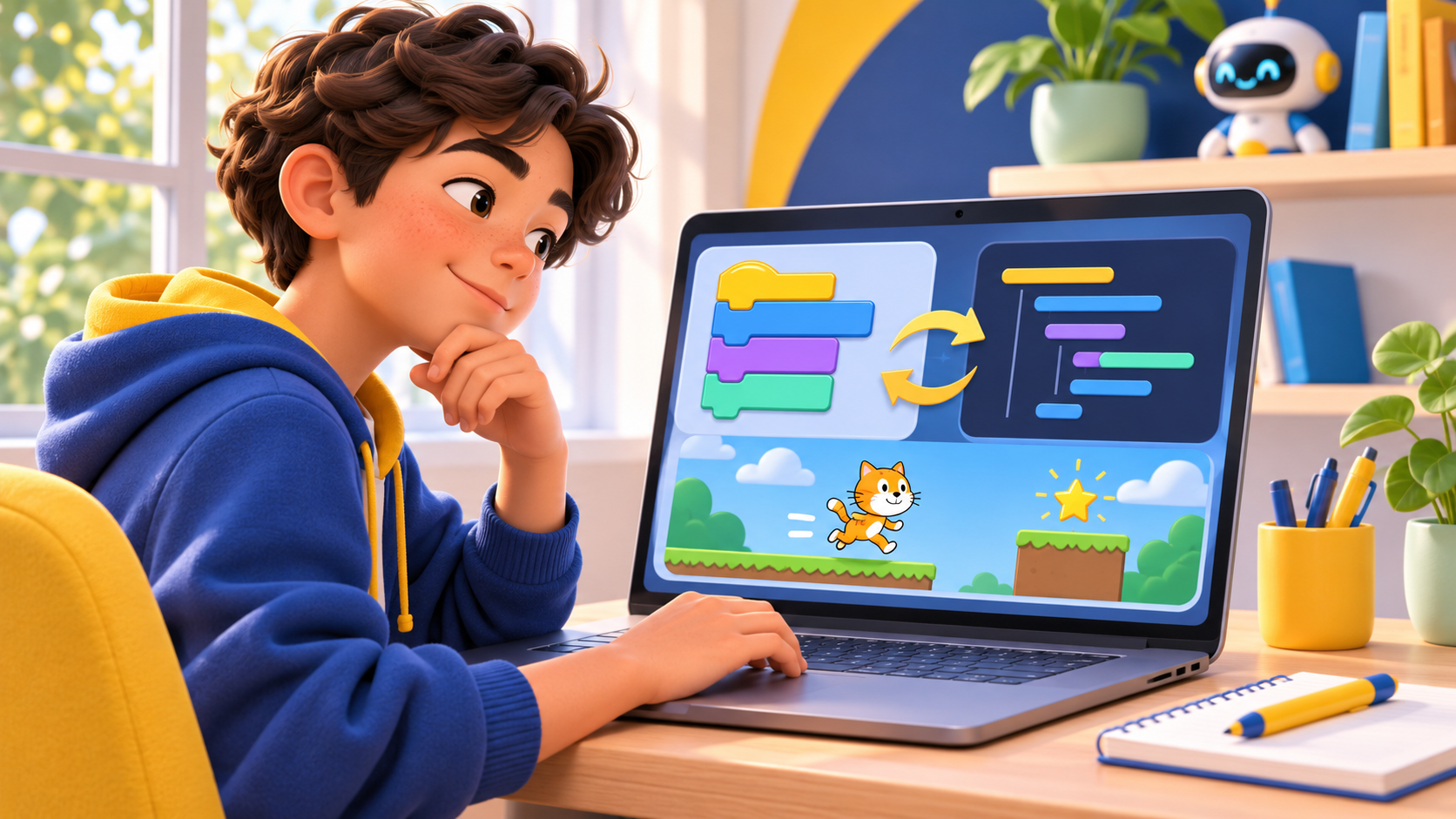
Illustration of the move from visual programming to text-based coding.
Look for understanding before choosing the next language
A finished Scratch project can hide very different levels of understanding. One child may have designed the rules themselves, while another has carefully followed a tutorial. Both can learn, but their next tasks may need to be different.
Ask your child to show a small part of their project and explain it:
- What information does this variable store?
- What action starts this sequence?
- Why does this part repeat?
- What do you expect if one value changes?
The explanation does not need formal vocabulary. “This keeps checking whether the character touches the wall” can be a useful description of a repeated test. Look for a connection between their instructions and the behaviour they observe.
Four signs that a small Python activity may be a good next step
They can modify a project with a purpose
They can change a rule, predict the effect and test their prediction. For example, they understand why changing a score target alters when a game ends.
They recognise a few reusable ideas
Variables, repetition and conditions do not disappear when the language changes. Familiarity with these ideas gives the new syntax something to attach to.
They are willing to read and correct a short message
Text-based coding makes small spelling and punctuation mistakes visible. A learner does not have to enjoy errors, but they need support to investigate them without treating each one as a failure.
They have a reason to create
A quiz, a number game or a small personal tool can provide a clear goal. Choosing a language only because it sounds more advanced may give the learner less direction than a project they can describe.
What changes when the code becomes text?
Scratch blocks make some combinations of instructions easy to recognise visually. In Python, the learner must write the structure: names, punctuation and indentation all matter.
Begin by separating the old idea from the new notation. A Scratch instruction to repeat a change three times can become a short loop in Python. Python’s official tutorial on control flow explains loops and the range() function.
It also helps to keep the first result simple. A short text output can make a program easier to investigate before the learner adds graphics, sound or several game systems.
A small bridge activity: predict, run, change
In Scratch, imagine setting a score to zero, repeating a change of one three times, then displaying the score. Here is a Python version of that idea:
score = 0
for turn in range(3):
    score += 1
print(score)
Before running it, ask what number should appear. The answer is 3. The indented line runs once on each of the three loop iterations.
Then change score += 1 to score += 2. Predict the answer again: the program now prints 6.
The learning goal is the explanation: the score changes three times, by a different amount each time. If the learner can explain that, the task has connected a familiar programming idea with Python syntax.
This short activity does not prove that a child is ready for every Python project. It simply offers a useful starting conversation about their understanding and the help they need.
Choose a first project with a small working version
A good transition project should have a result the learner can describe before coding. Start with a minimal version and add one feature at a time.
- A quiz: ask one question, check one answer, then add a score.
- A number game: compare a guess with a target before adding repeated attempts.
- A useful converter: calculate one result before adding choices or input checks.
Our beginner Python project ideas for teens offer possible directions. Pick one that fits the learner’s interests rather than trying to complete every project in sequence.
When more Scratch practice is still useful
If variables and conditions are still confusing, a smaller Scratch project can help consolidate them. Returning to visual programming for a particular idea is a useful learning choice, not a step backwards.
The learner can also use both languages: plan or explain a rule with blocks, then rebuild a small part of it in Python. Our Scratch project ideas provide activities to adapt, while the comparison of Scratch, Roblox and Python helps parents consider wider interests.
What should an individual lesson focus on?
A teacher can begin with one project the child understands, check how they describe its logic and choose a small text-based task. The important work is connecting the rule, the code and the result.
Look for time spent predicting changes, testing and explaining errors. The number of lines typed is less useful as a progress measure than the learner’s ability to describe why their program behaves as it does.
CodEnfant’s individual online Python lessons use practical exercises and projects, with a starting point adapted to the learner’s current experience.
Questions parents often ask
Is there one correct age to move from Scratch to Python?
No single age settles the decision. Computer confidence, reading, motivation and understanding of a few programming ideas all affect the appropriate starting activity.
Must my child finish Scratch before trying Python?
There is no need to complete every possible Scratch project. A short supported Python activity can help identify what already transfers and what needs more practice.
Will Python immediately produce the same kind of animated game?
The first tasks may use simpler outputs so the learner can focus on the program. Discuss their interest in graphics or games with the teacher when choosing a suitable project.
Find the right next step with CodEnfant
Tell us your child’s experience, what they would like to create and your time zone. We will contact you to arrange a suitable first lesson.
Which learning path fits your child?
Age, experience and interests help us choose a suitable starting point.
Compare programs →