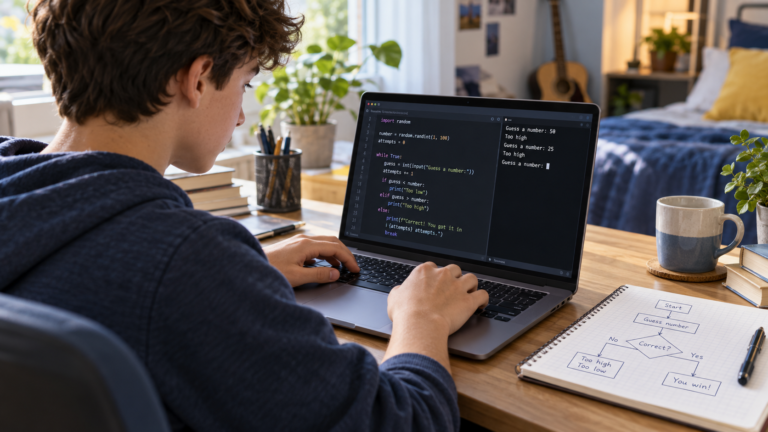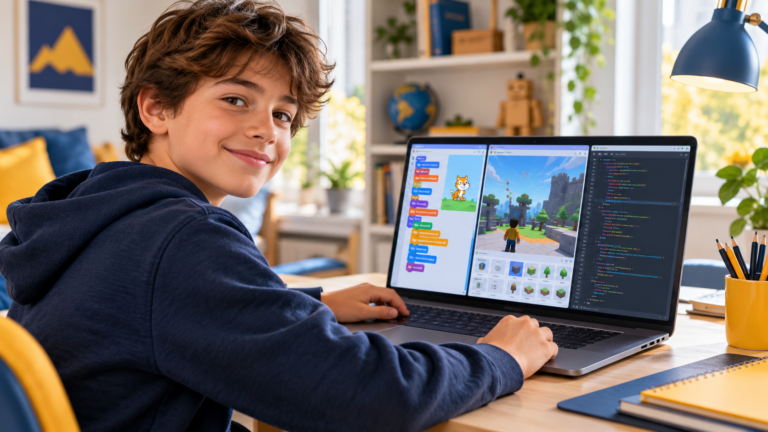
A first coding project should give a child something they can change, test and explain. In Scratch, that might be a character that responds to a key, a short story or a game with a score. The aim is to understand a few ideas through a manageable challenge.
These seven Scratch projects for beginners form a gradual sequence. Start with the first one if your child has never coded. Move on when they can change the project and explain what their changes do. Age alone does not determine the right starting point.
1. Make a character introduce itself
The challenge: choose a character, give it a name and make it introduce itself when the project starts. Add a second speech bubble after a short pause.
What your child practises: a sequence of instructions and the event that starts it. Ask them to predict the order of the messages before running the project.
Make it their own: change the introduction into a joke or a short conversation. If the messages appear too quickly, ask which instruction could give the reader more time.
2. Create an interactive story
The challenge: use two characters to tell a short story with a beginning, a problem and an ending. Start with one scene and a few lines of dialogue.
What your child practises: organising a sequence and coordinating timing. Write the dialogue on paper first so the coding challenge stays small.
Make it their own: let the reader press a key to continue the story. Test whether a new reader can follow the dialogue without help.
3. Build a keyboard-controlled maze
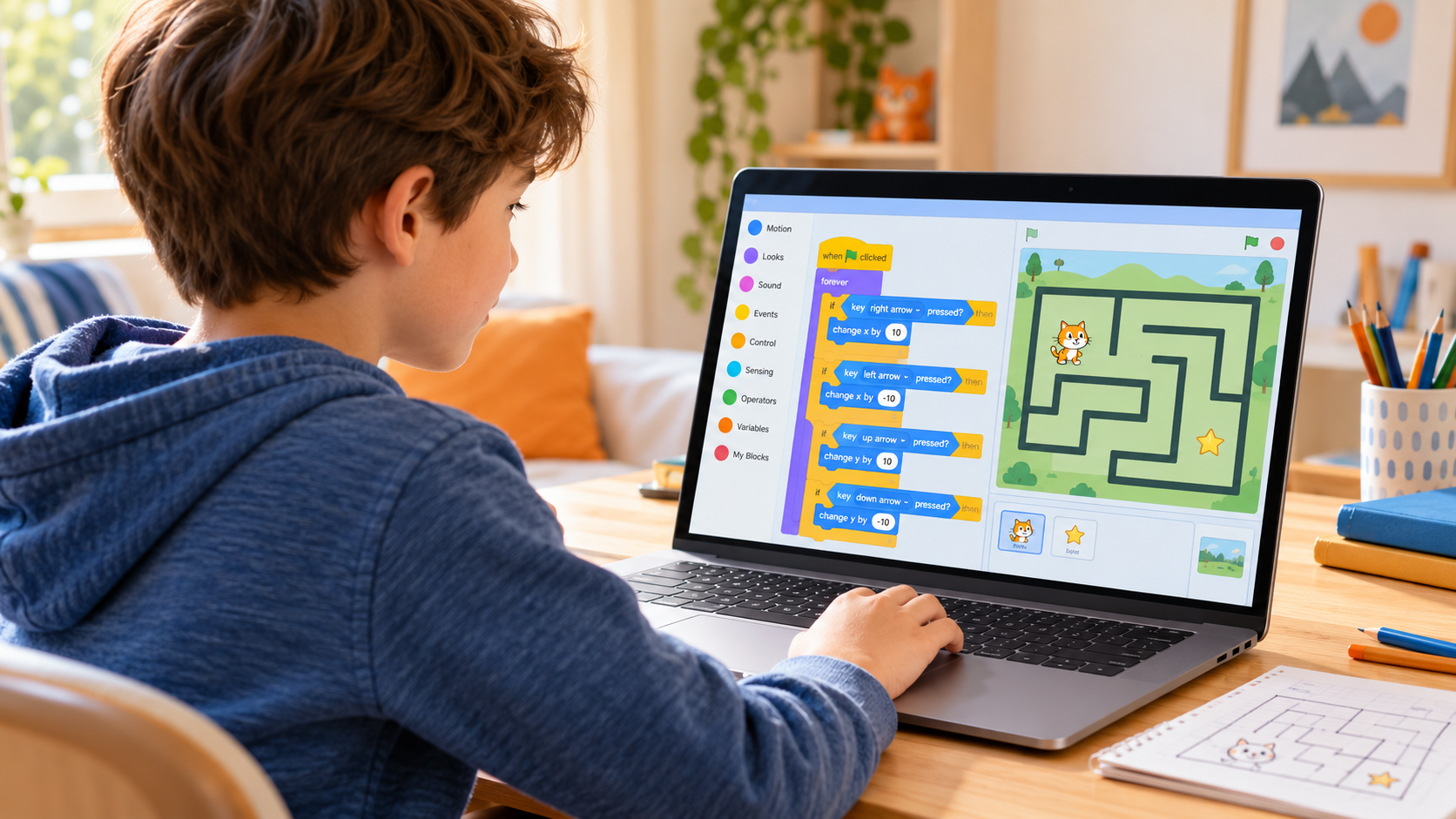
The challenge: draw a simple maze and move a character towards a finish point using the arrow keys. Begin with movement and a clear destination; add wall detection only after those parts work.
What your child practises: events, movement and conditions. Ask them to test one direction at a time rather than write every instruction before checking the result.
Make it their own: add a message when the character reaches the finish. Then decide together what should happen if the character touches a wall: return to the start, lose a point or simply stop.
4. Make a catch-the-object game
The challenge: move a basket left and right to catch one falling object. First make the basket move, then make the object fall, then check when they touch.
What your child practises: repetition, conditions and resetting a position. Introduce a score variable after the catching behaviour works.
Make it their own: choose fruit, stars or another theme. Ask whether one catch always adds exactly one point. If points increase too quickly, inspect what happens while the two objects remain touching.
5. Design a short quiz
The challenge: ask a question, read the answer and give useful feedback. Start with one question before adding a score or several rounds.
What your child practises: input, comparison and decisions. Discuss which answers should count as correct before writing the conditions.
Make it their own: create a quiz about animals, space or a school topic. Test an incorrect answer and a correct answer, then decide how the project should handle spelling variations.
6. Program a dance animation
The challenge: make a character perform a short sequence of movements. Repeat a simple pattern and use costume changes to suggest movement.
What your child practises: loops and timing. Compare copying the same instructions several times with putting a short sequence inside a loop.
Make it their own: add a second dancer or change the rhythm. Ask your child to identify the repeated pattern and predict how changing the repeat count affects the performance.
7. Create a two-player racing game
The challenge: give each player a character and a different movement key. Add a finish line and display who arrives first.
What your child practises: separate event handlers, shared rules and testing interactions. Build one working player before adding the second.
Make it their own: add a starting signal and a way to restart. Check that the previous winner message disappears and both players return to their starting positions.
How to help without taking over
Ask questions that help your child investigate: “What did you expect?”, “Which instruction runs first?” and “Can we test a smaller part?” Give them time to explain before offering a correction.
A working result is only one part of progress. Ask your child to change a rule, explain a loop or fix a small mistake. These checks show whether they understand the project beyond copying instructions.
If frustration grows, reduce the challenge. A maze can start as a character moving towards a coloured target. A quiz can start with one question. Finish with a small success and keep the next improvement for another session.
What comes after these projects?
There is no need to rush away from Scratch. A learner can develop more complex games, stories and simulations while continuing to practise programming logic.
When your child wants a different kind of challenge, read our comparison of Scratch, Roblox Studio and Python. For guidance by stage, see what age children can start coding.
Learn Scratch with guided projects
CodEnfant offers individual online Scratch classes for kids. We adapt the starting point and pace to the learner, using projects to practise logic and independent problem-solving.
Tell us your child’s age, interests and previous experience through our contact page, or explore all our coding and robotics programs.
Which learning path fits your child?
Age, experience and interests help us choose a suitable starting point.
Compare programs →