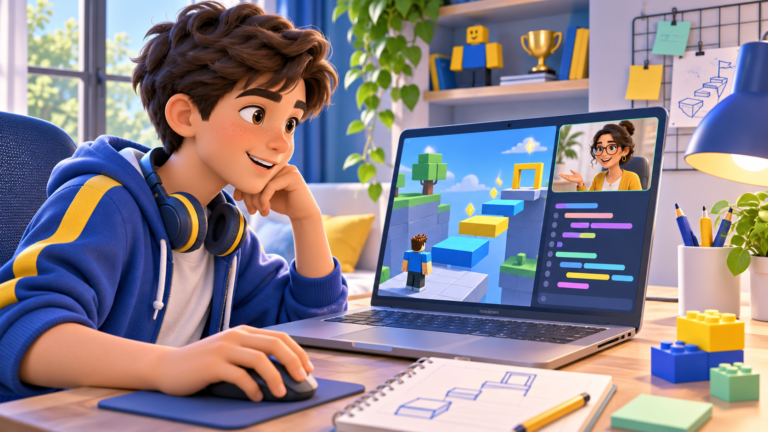
Free coding courses for kids can help a family discover whether a child enjoys making things with code. A useful first result might be an animated story, a small obstacle course or a game rule the learner can explain. Start with their interests, the tools they can use and the kind of support they need.
This guide brings together free Scratch and Roblox learning resources, a simple way to judge progress and questions to ask before paying for a course. CodEnfant offers a free introductory lesson by request. Regular individual lessons are paid, with details confirmed before enrolment.
What is actually free?
Separate the creation tool from the teaching. Scratch has a free editor. Roblox Studio is also free to use, and Roblox publishes introductory tutorials. Those resources let a child begin exploring without buying a live course. A teacher-led class is a separate service; check the provider’s fees and what is included.
Free access does not tell you whether a resource suits your child. Look at the starting knowledge, reading level and project size. A short activity that leads to an understandable change is a useful starting point.
Start with Scratch for a first block-based project
The Scratch Foundation maintains the free Scratch editor. Learners connect visual blocks to create stories, animations and games. Its Ideas page offers tutorials and starter projects.
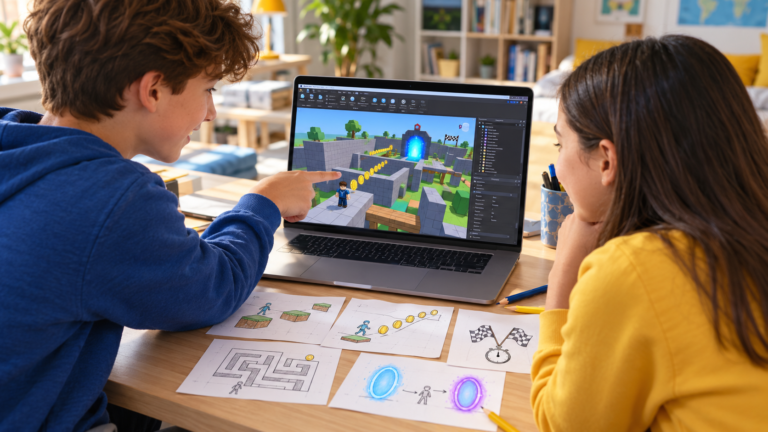
Choose one small idea: a character that moves with a key, a short conversation or a catching game. After following the activity, ask the learner to change one rule and describe the result. Our beginner Scratch project ideas can help you choose a next step.
If your child is deciding between visual blocks and typed code, read our comparison of Scratch, Roblox Studio and Python. Interest, computer confidence and previous experience help determine the starting point.
Learn Roblox coding for free with official tutorials
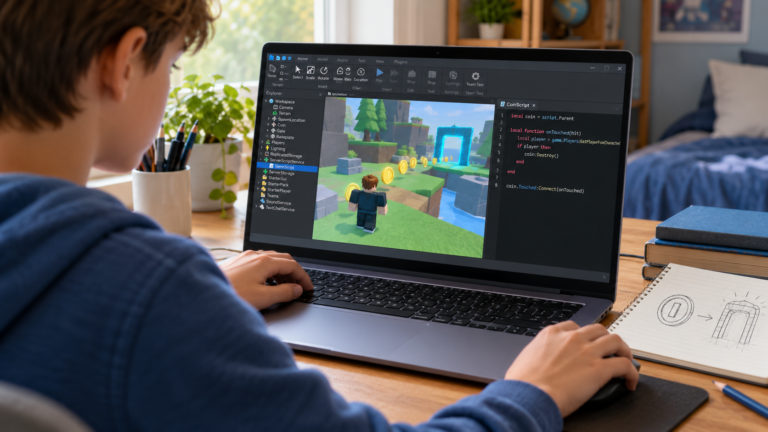
Begin with the official Roblox Studio setup guide. Studio runs on supported Windows and Mac computers. Check the current system requirements, install the application and make sure your child can access a family-managed account.
A child who plays Roblox still needs to learn the creation tools. Build a small scene first, then use Roblox’s coding fundamentals series when the basic Studio workspace is familiar. The series introduces Luau through programming concepts and guided activities.
For a manageable route, use our first Roblox game roadmap. Keep the first project small enough to test from start to finish. If you see resources described as “Roblox Lua courses”, our Lua and Luau explanation for parents clarifies the language used in Studio.
- Choose one tutorial connected to a small project rather than starting several courses at once.
- After completing a step, ask the learner to predict what a change will do.
- Save a working version, make the change and compare the actual result with that prediction.
How to tell whether a free course is helping
A finished tutorial gives you a starting point for a conversation. Ask: “Which part did you change?”, “What rule controls it?” and “How did you check that it works?” The learner can demonstrate the answer on screen.
If the child can adapt an example and explain a mistake, continue with another small challenge. If they can only repeat the instructions, revisit one concept with a simpler example. When an error becomes frustrating and the family cannot identify the next step, individual guidance may help.
Free tutorials or live Roblox Studio classes?
Self-paced tutorials can suit a learner who enjoys reading instructions, experimenting and returning to an unfinished project. They let a family explore an interest before making a commitment. They also require the learner or a supporting adult to decide what to try when something goes wrong.
Live teaching adds the opportunity to ask questions and receive feedback while working. In an individual lesson, the teacher can adapt the next activity to one learner. Group formats have their own pace and opportunities for discussion. Our private vs group Roblox class guide explains what to compare.
When comparing a Roblox coding course, ask how building, scripting and testing fit together. Look for an explanation of what the child will practise, how the teacher checks understanding and what happens when a learner needs more time.
Questions to ask before booking a coding course
- What starting experience does the course assume, and how is it checked?
- Will my child use the tools and explain their own code during the lesson?
- Is the class live, recorded, individual or shared with a group?
- What are the session length, fees, payment currency and cancellation terms?
- What equipment and account setup should we prepare, and is publishing a project optional?
Joining from the US, UK or Canada
For online lessons, share your city, time zone and preferred days before booking. Ask the provider to confirm the lesson time in your local time zone, especially when seasonal clock changes differ between countries. Check the payment currency and any conditions before committing.
English-language teaching is useful only when the pace and explanations also suit the learner. Tell the teacher about previous projects and the parts your child finds difficult, as well as the game they would like to create.
What is free at CodEnfant?
You can request a free introductory Roblox lesson to discuss your child’s experience and try an appropriate starting activity. We confirm a suitable time with you. The trial does not mean that the complete learning programme is free.
Our live, one-to-one Roblox coding classes combine Studio game creation, Luau scripting and practical testing. Explore the eight-module learning path and share your child’s age, experience and time zone. Regular lesson times, session length, frequency and fees are agreed before enrolment.
For a child starting with blocks, explore our individual Scratch lessons. Choose the path that matches the learner’s current understanding and gives them a clear next project.
Which learning path fits your child?
Age, experience and interests help us choose a suitable starting point.
Compare programs →